Configuring user access
KACE Cloud can authenticate users using accounts created locally, or externally, using an LDAP Sync Service or through Single-Sign On (SSO).
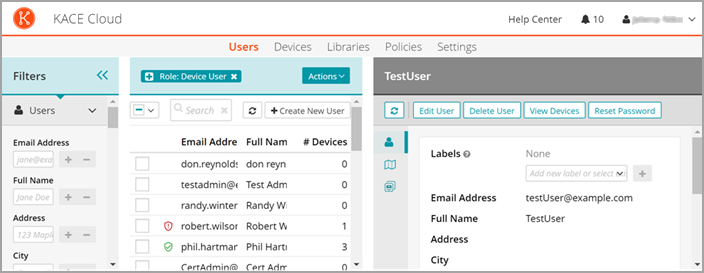
You can configure and manage local user accounts on the Users tab. To allow new users to enroll devices, you must create user accounts for them. A user must have the Device User role assigned in order to enroll a device. You can associate additional roles with the user account, as needed. See Create user accounts.
To integrate with an LDAP Sync Service see Configure LDAP Sync Service. For SSO configuration, see Configuring Single Sign-On.